
Signals, Specs, and Screen Time: What Those Numbers on a Gadget Box Actually Mean

Why Gadget Specs Feel Like a Foreign Language
Flip over any gadget box and you're confronted with a wall of abbreviations: MHz, mAh, nits, Hz, IP68, dB. These figures are genuinely useful — but only if you know what they're measuring. The problem isn't that the numbers are complicated; it's that most product packaging assumes you already speak the language.
This reference breaks down the most common specifications category by category, explaining what each unit actually measures and — more importantly — what it means for everyday use. For a broader glossary of tech terms, see The Glossary Every Gadget Owner Should Bookmark.
Display Specs: Brightness, Sharpness, and Motion
Nits measure screen brightness. Indoor use is comfortable at around 400–500 nits. Direct sunlight typically demands 800 nits or more for readable text. This number matters most if you frequently use a device outdoors.
Resolution (expressed as pixel counts like 1080×2400 or shorthand like 4K) describes how many individual dots make up the image. More pixels in the same screen area means sharper detail, but the benefit diminishes as screen size decreases — pixel density matters more than raw resolution.
Refresh rate in Hz tells you how many times per second the screen redraws. Standard displays run at 60 Hz. Higher rates — 90 Hz, 120 Hz — produce noticeably smoother scrolling and motion, which can feel like a meaningful quality difference in day-to-day use.
Battery and Charging: What mAh Actually Tells You
Battery capacity is listed in mAh (milliampere-hours). Think of it as the size of a fuel tank. A larger number means more stored energy — but fuel economy still varies depending on the engine. A power-hungry processor, a bright screen running at full refresh rate, and constant wireless activity will drain a large battery faster than lighter tasks drain a smaller one.
Charging speed is usually listed in watts (W). Higher wattage chargers refill that tank faster, though the device itself must support the rated speed — and charging speed typically slows as the battery approaches full capacity to protect battery health.
Wireless Signals: Frequencies and Connectivity
Wireless specs involve several overlapping systems. Wi-Fi operates on frequency bands — 2.4 GHz travels farther and passes through walls more easily; 5 GHz offers faster speeds over shorter distances. Modern Wi-Fi 6 routers and devices use both.
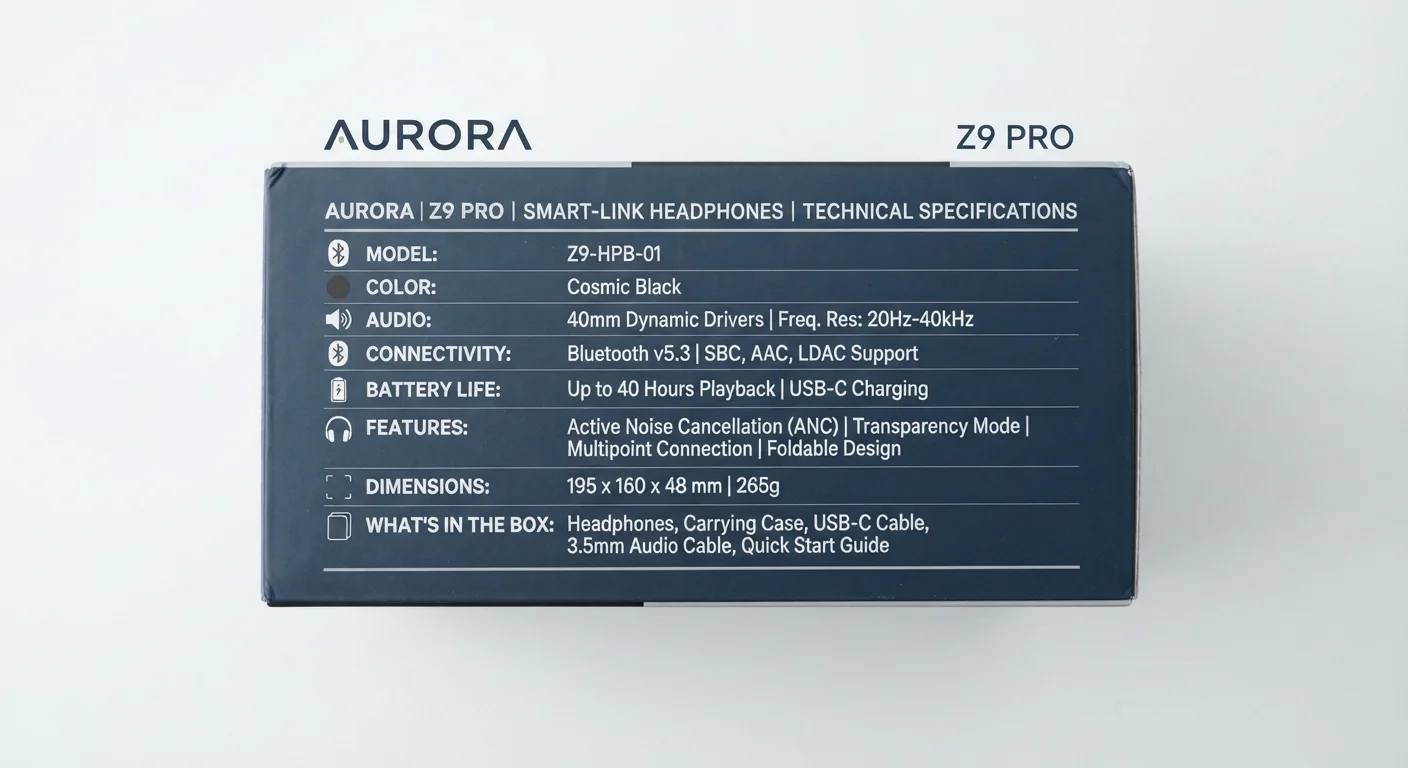
Bluetooth version numbers (5.0, 5.3, and so on) indicate improvements in range, speed, and connection stability. For wireless earbuds, these details directly affect audio quality and dropout resistance — a topic covered in depth in Wireless Earbuds Explained.
Cellular specs reference network generations (4G LTE, 5G) and frequency band support. Sub-6 GHz 5G offers wide coverage; millimeter-wave (mmWave) 5G provides very high speeds over short distances but limited range and wall penetration.
Durability Ratings and Audio Numbers
IP ratings (Ingress Protection) follow a standard two-digit format. The first digit (0–6) rates dust resistance; the second (0–9) rates water resistance. IP67 means dust-tight and protected against immersion up to one meter for 30 minutes. IP68 extends that protection further, with exact depth and duration defined by each manufacturer.
In audio specs, decibels (dB) appear in multiple contexts. Noise cancellation depth is often expressed in dB — a higher negative value means more sound is suppressed. Driver sensitivity describes how efficiently a speaker or earbud converts electrical signal into sound. The same unit, very different measurements: always check what's actually being described.
For more context on how specs apply to wearable devices, see Fitness Trackers: Separating Genuine Utility from Marketing Noise.